Headset indicator light meanings
Pico and Oculus headsets display an indicator light next to the power button. Check these charts for the meaning of each color.
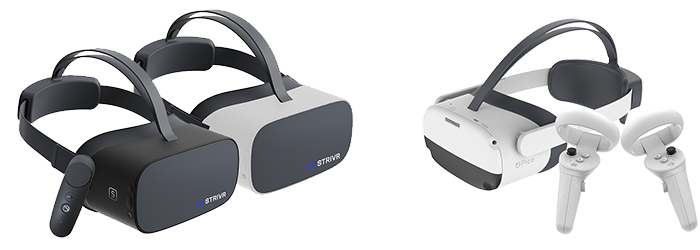
 Pico G2, Pico 4KS, Pico Neo 3
| Color | State | Meaning | |
|---|---|---|---|

|
Red | Solid | Low battery (less than 20%) |
|
|
Red | Blinking | Screen is on and low battery |

|
Blue | Solid | Screen is on |
| No light | Headset is powered off | ||
| When plugged in: | |||

|
Green | Solid | Battery is charging (above 90%) |

|
Yellow | Solid | Battery is charging (less than 90%) |
|
|
Red | Solid | Low battery (less than 20%) |
|
|
Red | Blinking | Very Low battery (will soon shut off) |
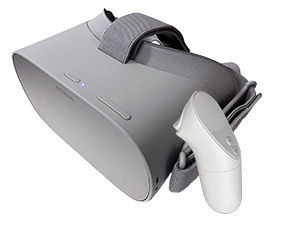
Oculus Go
| Color | State | Meaning | |
|---|---|---|---|
|
|
Red | Solid | Low battery (less than 15%) |

|
White | Solid | Screen is on |
|
|
White | Blinking | Oculus Go is rebooting |

|
Orange | Solid | Headset is starting up |
| No light | Headset is powered off | ||
| When plugged in: | |||
|
|
Green | Solid | Battery is charging (above 90%) |
|
|
Orange | Solid | Battery is charging (less than 90%) |
|
|
Red | Solid | Low battery (less than 15%) |